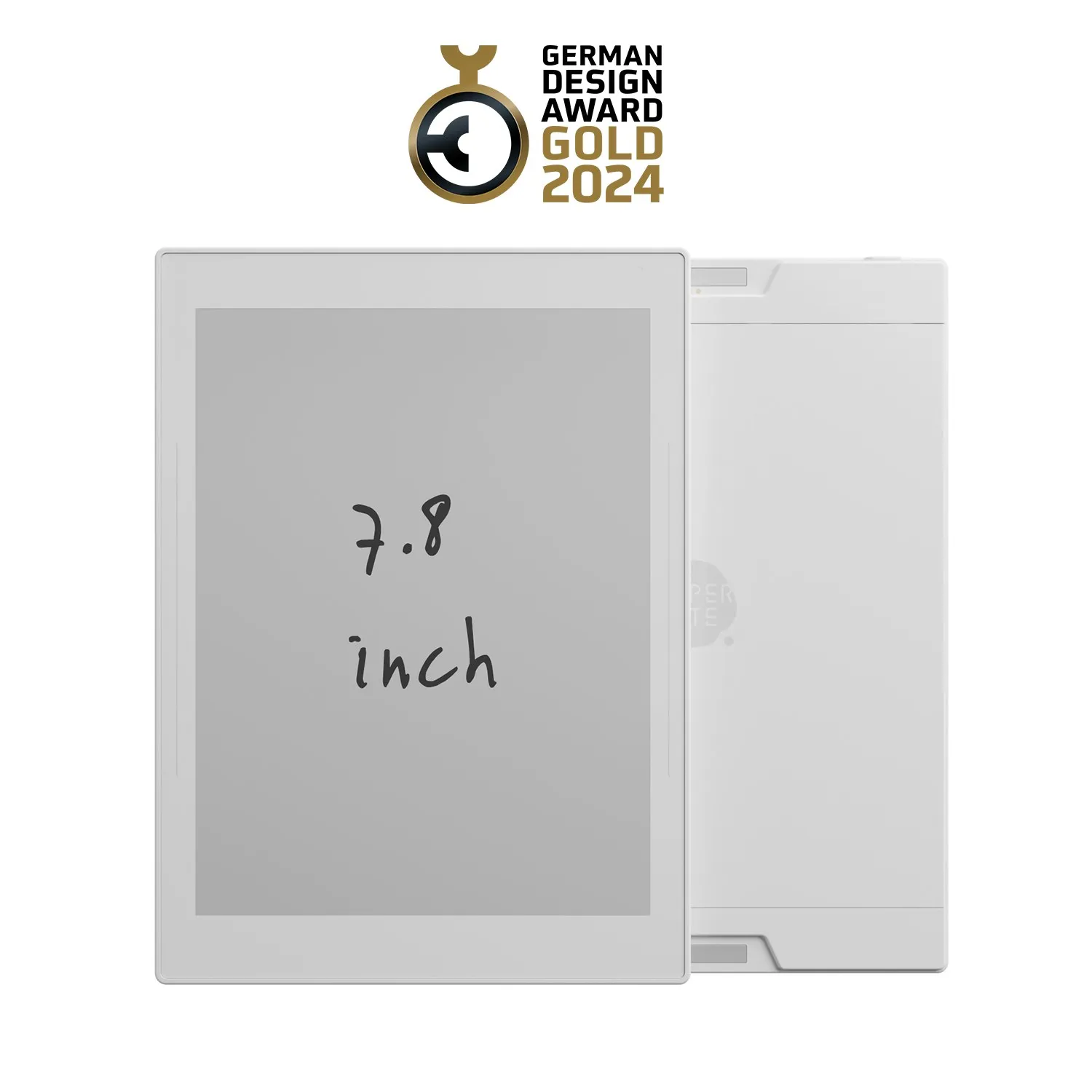
Supernote A6 X2 Nomad
No frontlight, no browser, no app store — just paper-like writing.
A frontlight-free, repair-friendly e-ink tablet that deliberately limits its own app ecosystem — reviewers say that restraint is what makes it good for focused writing.
Pros & cons
- No frontlight — a genuinely paper-like, glare-free writing surface, according to user reports
- User-replaceable battery, motherboard, and microSD storage — designed to be repaired, not replaced
- Minimal app ecosystem means fewer distractions once you're writing, unlike more feature-heavy competitors
- Dual sidebars support both left- and right-handed use
- Pen is sold separately, adding roughly $65 to the real cost of getting started
- Limited app ecosystem cuts both ways — fewer built-in tools than the reMarkable Paper Pro, according to user reports
- Not sold through Amazon by the manufacturer, so buying means going direct to Supernote and trusting their shipping and support
How it works
According to manufacturer specifications, the Nomad uses a 7.8-inch E Ink Carta HD display at 300 PPI, with no frontlight — a deliberate choice that trades low-light readability for a writing surface reviewers consistently describe as closer to real paper than backlit e-ink competitors. Handwriting is captured via a separately sold stylus, with 32GB of storage built in and expandable further via microSD.
Built to be repaired, not replaced
The battery, motherboard, and microSD card are all user-replaceable, according to the manufacturer — an unusual commitment for a tablet in this price range, and one that suggests longer real-world lifespan than sealed competitors.
Who should buy it
The Nomad suits writers and note-takers who want a handwriting-first e-ink tablet without a large app ecosystem competing for attention once they've picked up the pen — reviewers frequently cite its focus and paper-like feel as the reason they prefer it over more feature-rich competitors.
Who should skip it
Anyone who wants the widest app ecosystem, a frontlit screen for low-light use, or the convenience of buying through Amazon should look at the reMarkable Paper Pro instead — it costs more but ships with a more built-out software experience and wider retail availability.
The bottom line
The Nomad's missing features — no frontlight, a smaller app ecosystem — are exactly what reviewers point to as its strength: a writing surface with less pulling your attention away from the page.
Vs. closest alternative
Both are premium e-ink writing tablets, but they make different trade-offs. The reMarkable Paper Pro ships with a color frontlit display and a more built-out software ecosystem, and it's more widely available at retail. The Supernote Nomad drops the frontlight and much of the app ecosystem in favor of a writing surface reviewers describe as closer to real paper, plus a user-repairable design. Choose the reMarkable if you want the more complete tablet experience; choose the Nomad if you want fewer features standing between you and the page.
A handwriting tablet that deliberately does less than its competitors — no frontlight, barely any apps, and reviewers say that's the point.
FAQ
Do I need to buy the pen separately?
Yes — the Nomad itself doesn't include a stylus. A standard ceramic-nib pen adds roughly $65 to the total cost, according to current retail pricing.
Can I buy the Supernote Nomad on Amazon?
Not directly from the manufacturer — Supernote devices are sold primarily through the company's own site and a small number of distributors. Amazon carries third-party accessories, but not the tablet itself from Supernote.
Does it need Wi-Fi or an app to work?
Core handwriting and note-taking work without any connection. Wi-Fi and the companion app come into play for cloud sync and exporting documents, according to manufacturer specifications.