Brick vs. Unpluq: Which NFC App Blocker Should You Buy?
A side-by-side comparison of Brick and Unpluq — two NFC devices that block distracting apps by requiring a deliberate physical action before you can access them.
Updated 2026-05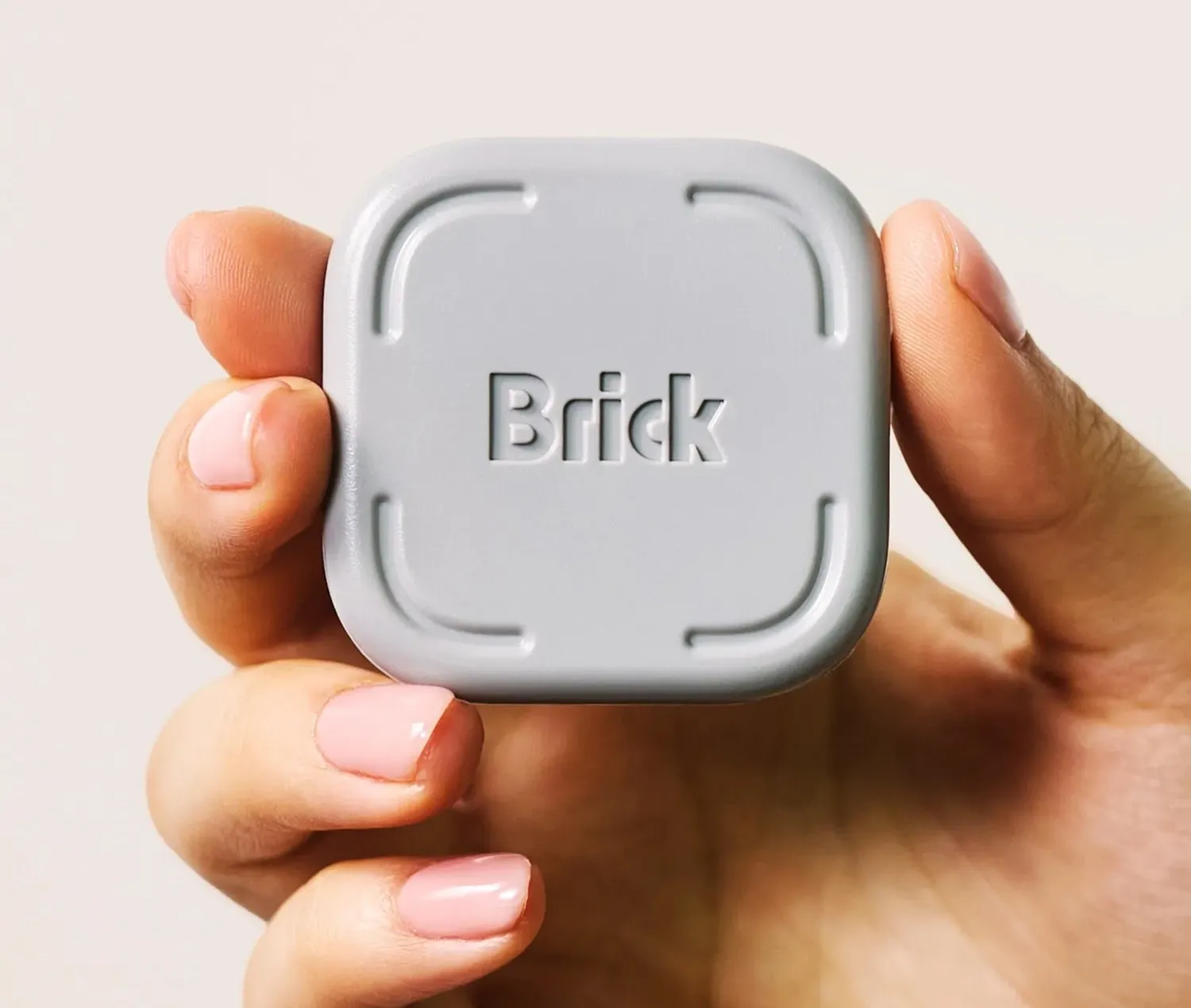
Brick wins for most people. Unpluq is the right choice only for Android users who want the cheapest possible entry point.
Overview
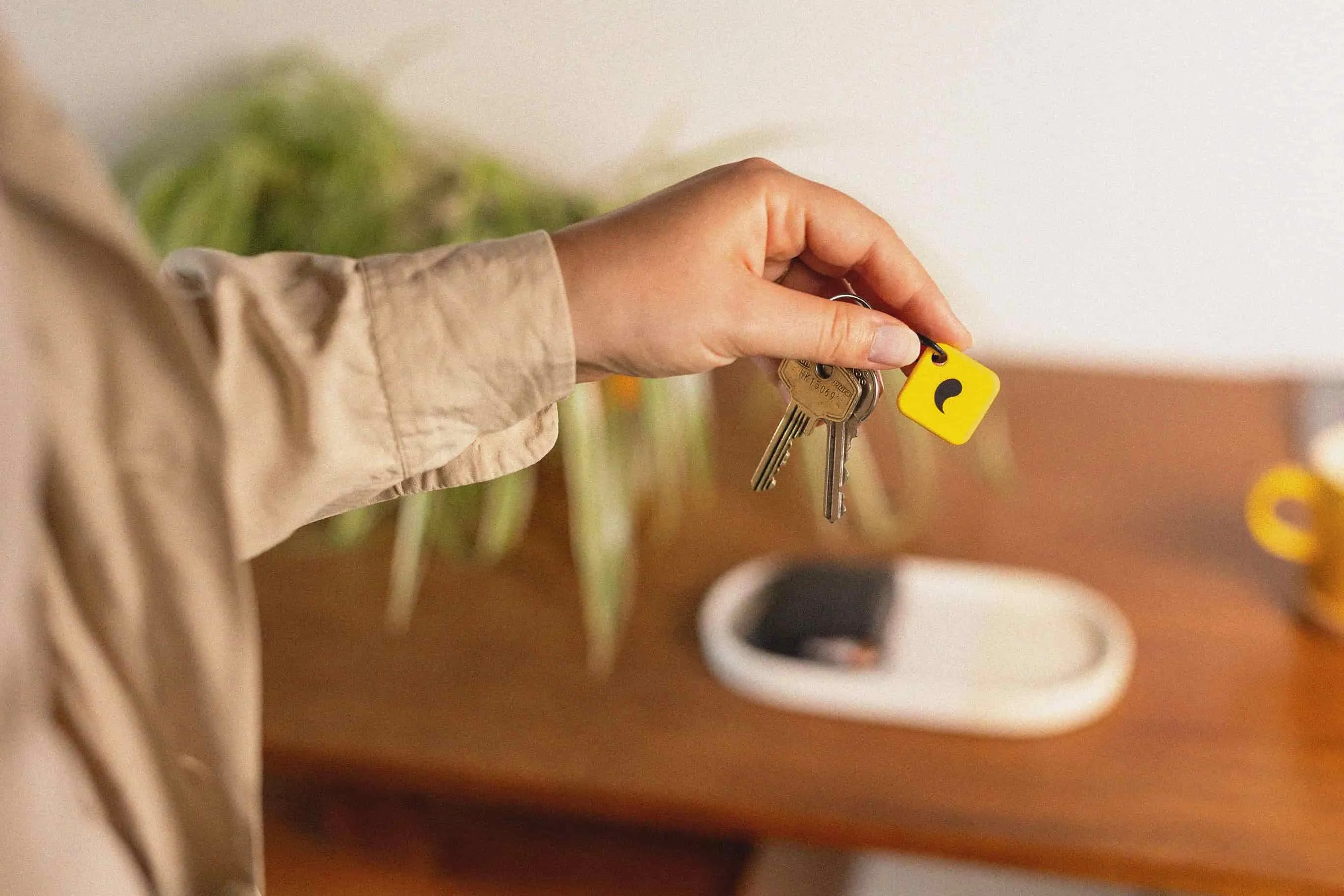
Both Brick and Unpluq use NFC to block apps — but they take opposite approaches. Brick lives plugged in somewhere inconvenient; accessing blocked apps requires physically walking to it and tapping your phone. Unpluq is a passive tag carried on a keychain; blocked apps stay locked unless you tap the tag deliberately. Brick creates spatial friction. Unpluq creates intentional friction. Neither is a hard lock — a motivated user can bypass both through settings. What they do is slow the automatic, mindless phone reach enough that many habits break.
Side-by-side comparison
| Brick | Unpluq Tag | |
|---|---|---|
| Type | Wall-plug NFC device | Passive NFC keychain tag |
| Platform | iOS and Android | Android only |
| Price | around $99 | around $29 |
| App required | Yes — Brick companion app | Yes — Unpluq companion app |
| How blocking works | Walk to the device and tap your phone to unblock | Tap the keychain tag to unblock |
| Battery | Plug-in (no battery) | Passive NFC (no battery) |
| Bypass possible | Yes — via app settings | Yes — via app settings |
| Best environment | Home or office | On-the-go |
Buy Brick if…
Brick is the right pick if you want apps locked away at home or in the office and are willing to spend around $99 for a more polished experience. The spatial element — having to physically walk to a different room — is a stronger friction point than a simple tap. iOS users will also need Brick since Unpluq is Android-only.
Buy Unpluq Tag if…
Unpluq makes sense for Android users who want the cheapest possible test of NFC-based friction. At around $29, it is an inexpensive way to find out whether deliberate-tap mechanics actually change your habits before committing to a pricier setup. It's also the only option if you need your blocker to travel with you on your keychain rather than staying plugged in at one location.
Conclusion
For most people, Brick is the stronger purchase: better-reviewed, more friction by design, and available on both iOS and Android. Unpluq is worth considering only if you're on Android and want to test the concept at the lowest cost. Neither replaces a hard lock — if you need a device that physically cannot be overridden, the Kitchen Safe is the more appropriate tool.